JOURNAL / VOICE SYSTEMS

How does voice AI work?
From sound to response.

A spoken interface is a chain of decisions. Microphones, speech models, dialogue logic, optional tools, and generated audio all shape the conversation a person experiences.

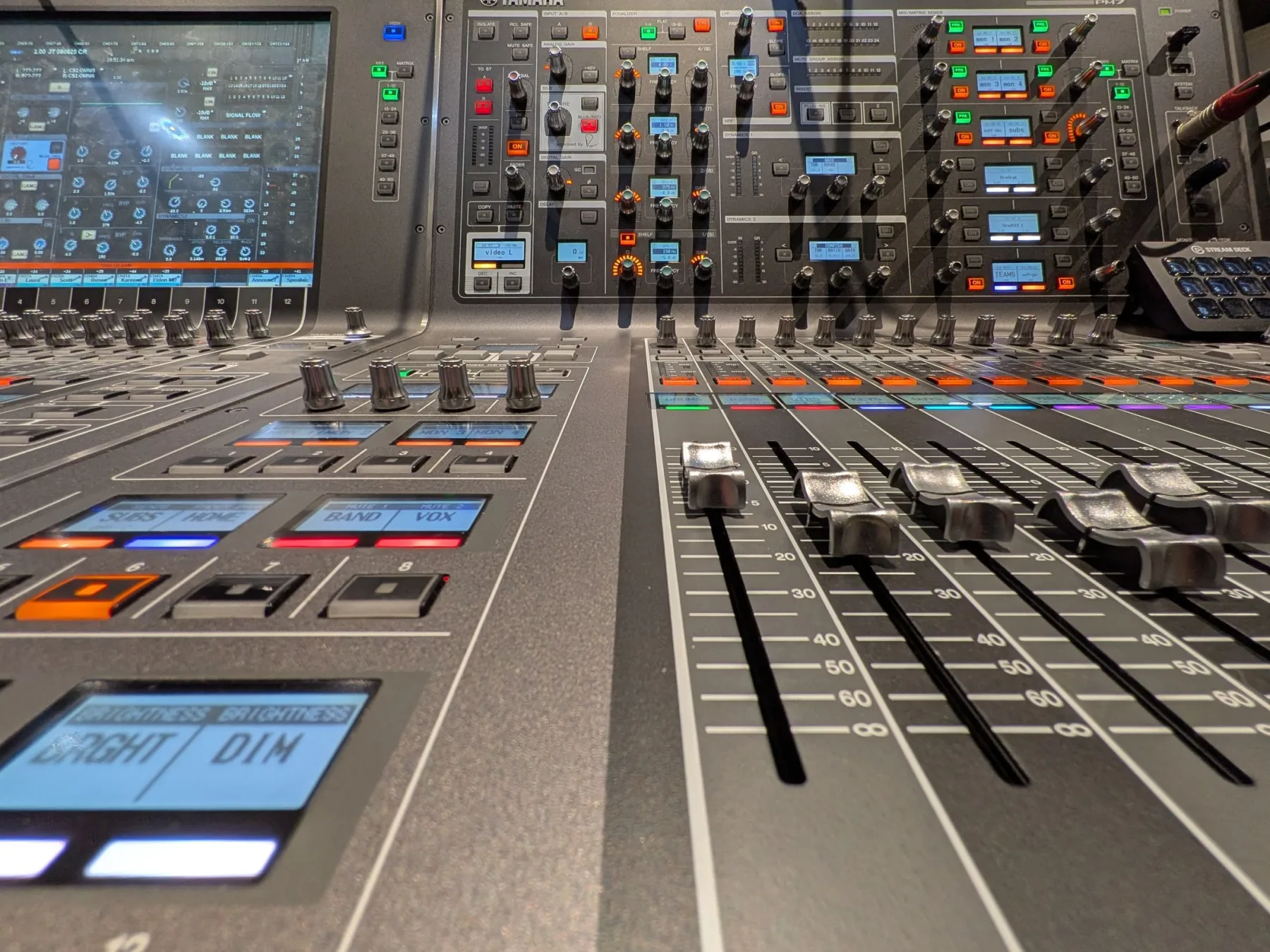
Close view of faders and controls on a professional audio mixing console.VOICE SYSTEMS / SIGNAL PATH / SYMPLOKA
A CONVERSATION HAS A PIPELINE

Sound crosses several boundaries before it becomes an answer.

Every handoff can change the timing, meaning, and privacy of what a person said.

01 / CAPTURE THE SIGNAL

A microphone records pressure changes as digital audio.

A device samples sound many times per second and represents each sample as a number. The application may adjust levels, reduce echo or noise, and split a continuous stream into usable segments before a speech model receives it.

Voice activity detection (VAD) estimates where speech begins and ends. Its decisions affect turn-taking: waiting for a long pause can make a system feel slow, while cutting in too early can truncate the last word. Recording quality, room acoustics, distance, and overlapping speakers also shape the signal that reaches the model.

02 / RECOGNIZE THE WORDS

Automatic speech recognition turns audio into a representation the next step can use.

A common design sends the recording to an automatic speech recognition (ASR) model, which produces a transcript and may include timestamps or other structured output. Whisper is a research and open-source example: its paper studies speech recognition and related multilingual speech-processing tasks using weakly supervised audio and transcript pairs.

A transcript is an interpretation of a signal. Names, numbers, short words, negation, code-switching, accents, and background speech deserve targeted checks because one small recognition error can change the request. Speaker identification, translation, and emotion classification are separate capabilities that need separate evaluation.

Some products use a transcript as the main input to a language model. Others pass audio representations directly into a model. A voice button alone does not reveal which path a product uses.

03 / FORM THE RESPONSE

The application connects speech to the conversation and its boundaries.

In a common pipeline, the application combines recognized words with conversation context and sends them to a language model. The model may draft a reply or request a tool. Application code decides whether that tool is allowed, runs it, and returns the result for the next step.

A common path: microphone → speech segmentation → recognition → dialogue model → optional tool → speech synthesis.

Each component can alter what happens next. A misunderstood quantity may produce a wrong answer; a misunderstood command may propose an unsafe action. Put authorization at the application boundary and make consequential actions reviewable. Explore how agent permissions should work ↗ and how an AI agent acts through tools ↗.

04 / GENERATE SPEECH

Text-to-speech turns a reply into timed audio.

A text-to-speech (TTS) system maps written output to a spoken signal. One well-known research architecture, Tacotron 2, predicts a mel spectrogram from text and then uses a WaveNet vocoder to produce a waveform. Other systems use different intermediate representations or generate speech in a unified model.

Speech quality includes more than clear pronunciation. Pause placement, emphasis, pace, voice consistency, and how the system handles abbreviations or unfamiliar names affect whether a reply is easy to follow. Listen to the output in realistic conditions, including through a phone speaker and with interruptions.

05 / PIPELINE OR DIRECT AUDIO?

Different architectures move information in different ways.

A staged system exposes several parts: recognition, language generation, and speech synthesis can be tested independently. It can also accumulate delay and pass recognition errors into later steps. Direct audio models connect speech input and output through a different learned representation, with different trade-offs in observability and control.

Seamless is a research example of streaming speech translation: its authors describe systems that translate speech while audio is still arriving. Translation is a distinct task from an open-ended assistant conversation, so results for one workflow do not establish performance for another. Test the exact task and model you plan to use.

Architecture labels alone do not settle quality, speed, cost, or privacy. Those depend on the model, device, application, and the services involved in the full path.

06 / TIMING & TURN-TAKING

Measure the pauses people actually feel.

A voice exchange may wait for the speaker to finish, upload audio, recognize words, generate a reply, and synthesize speech. Streaming can start parts of that work before the full turn is complete. It also introduces design questions: how partial transcripts change, when the system commits to a response, and how a person can interrupt it.

Time to first responseMeasure the wait from the end of a turn to the first useful spoken output.
Interruption recoveryCheck whether speech stops promptly and whether the next turn uses the correction.
Partial outputObserve how often interim words change and whether people can tell what is final.
Network conditionsRepeat the same task on realistic connections and devices, including weak or unstable networks.
07 / EVALUATE THE WHOLE EXCHANGE

A good transcript score does not prove a good conversation.

Word error rate (WER) compares a transcript with a reference: substitutions, deletions, and insertions divided by the number of words in that reference. It helps describe recognition quality, but it does not show whether the system understood the user’s goal, completed the task, spoke clearly, or recovered from a mistake.

  1. Build representative recordings. Include the languages, accents, speaking styles, rooms, devices, and noise levels expected in real use.
  2. Track meaningful errors. Review names, dates, amounts, negation, code-switching, and other words whose mistakes change the outcome.
  3. Score the task. Check whether the response answers the request and whether tool use and final actions match the intended boundaries.
  4. Listen to generated speech. Assess intelligibility, pacing, pronunciation, and behavior after interruptions.
  5. Report trade-offs by condition. Pair task quality with latency and failure rates across the groups and environments that matter.

For a wider view of system testing, see how to evaluate an AI agent ↗ and how to read an AI benchmark ↗.

08 / DATA & PRIVACY

Follow recordings, transcripts, and logs separately.

Audio can contain more than the words a person intended to say. A product may handle the original recording, a transcript, generated speech, account data, and diagnostic logs in different ways. Find out what leaves the device, which providers receive it, how long each item is retained, and whether it can be used for model improvement.

Check microphone permissions and the product’s actual storage and sharing controls. On-device inference can reduce one network transfer, while other application features may still send data elsewhere. Start with a map of the complete AI data path ↗.

RESEARCH & CODERadford et al., Robust Speech Recognition via Large-Scale Weak Supervision (Whisper, 2022) ↗OpenAI / Whisper code and model information ↗Shen et al., Natural TTS Synthesis by Conditioning WaveNet on Mel Spectrogram Predictions (Tacotron 2, 2018) ↗Seamless Communication, Seamless: Multilingual Expressive and Streaming Speech Translation (2023) ↗Meta / Seamless Communication research code ↗NIST OpenSAT evaluation plan: speech-to-text scoring and word error rate ↗