JOURNAL / COMPUTER VISION

What is computer vision?
Turning pixels into useful signals.

Computer vision is the field of building systems that extract information from images and video. The job might be to label a scene, find an object, read a document, or compare a picture with a description.

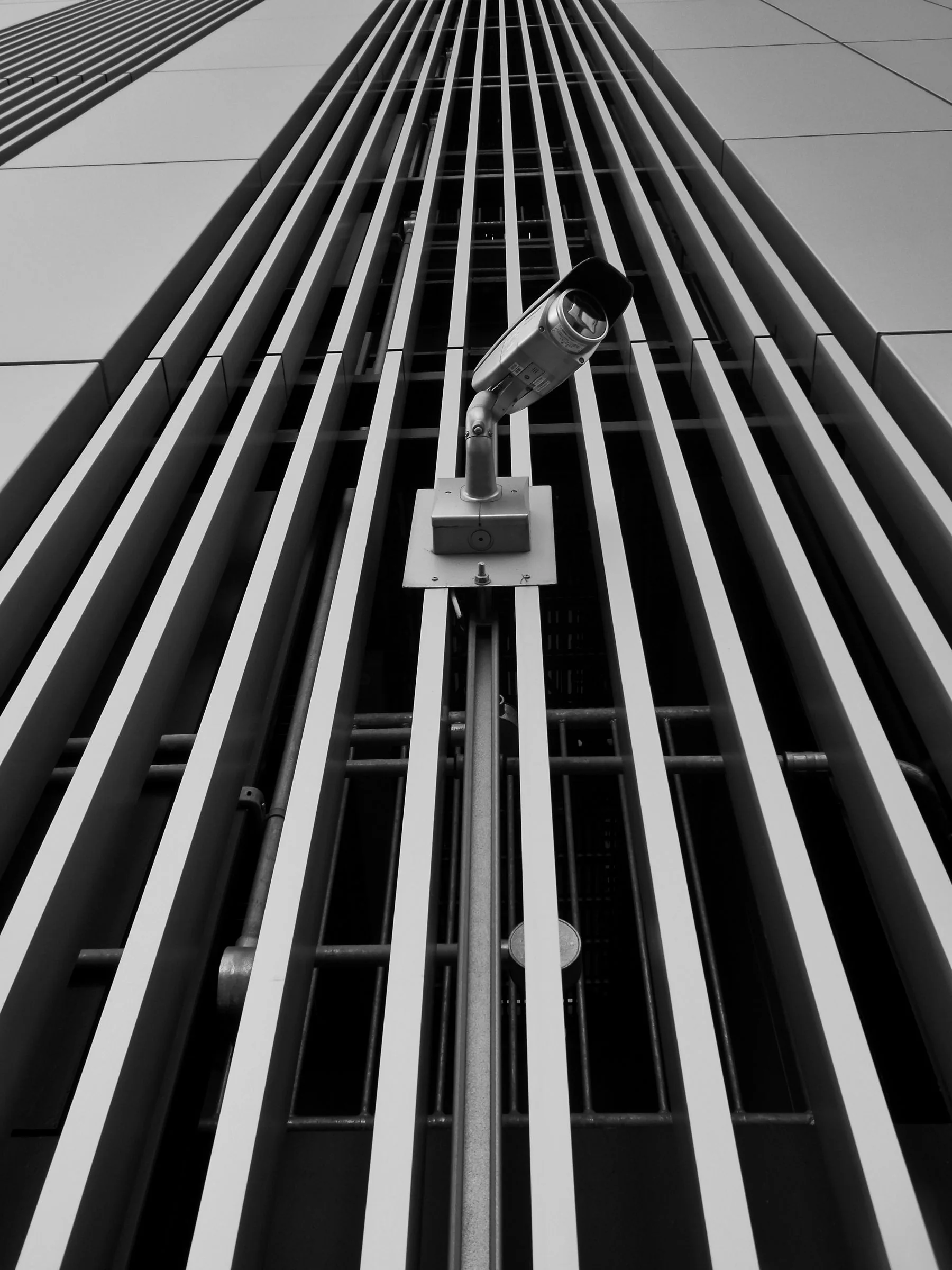
A security camera mounted on a geometric modern building facade.COMPUTER VISION / OBSERVATION / SYMPLOKA
A CAMERA RECORDS PIXELS. A SYSTEM MAKES A PREDICTION.

Seeing a pattern is not the same as understanding its context.

A visual model can locate a shape or match a caption. People still need to ask whether the result is reliable, relevant, and appropriate for the decision that follows.

01 / THE TASK COMES FIRST

Computer vision is a family of tasks, not one magic camera.

A vision system receives visual data—often a photograph, a video frame, or a sequence of frames—and produces an output defined by its task. It might classify an image, localize objects, mark regions, read text, or connect the visual content to a natural-language question.

The distinction matters. A model trained to classify an entire image as “street” or “forest” may not be able to say where the bicycle is. An object detector can locate likely objects, while a segmentation model marks their pixels. A model that reads a sign does not automatically verify that the sign is current or that its surroundings match a caption.

Before comparing models, describe the output you actually need. A vague goal such as “understand the image” is hard to measure and easy to overclaim.

02 / WHAT A VISION MODEL CAN RETURN

Different questions require different outputs.

ClassificationAssign one or more labels to an image, such as “bicycle” or “indoor scene.” It may not identify where each item is.
Object detectionReturn likely object categories and their locations, often as rectangles called bounding boxes.
SegmentationMark which pixels belong to a region or object. A mask can give a more detailed outline than a box.
OCR and visual textExtract words from an image, such as a scanned page or sign. Recognition does not itself confirm that the words are correct or authentic.
Image–text matchingCompare an image with descriptions or labels. A strong match is a useful signal, not a source record or proof of the scene.
Video analysisAnalyze a sequence of frames or events over time. A single-frame model may miss changes, order, or what happened between sampled frames.
03 / HOW MODELS REPRESENT AN IMAGE

Pixels become a representation the model can use.

An image file is converted into numeric input. A learned model processes patterns in that input and returns the output its task was trained for. Convolutional neural networks became a widely used approach; Vision Transformers showed that a Transformer can also work on sequences of image patches for recognition tasks.

These internal representations are not a literal, human-readable description of everything in the scene. The model’s behavior depends on its architecture, training objective, examples, and the way the application prepares and interprets the input.

For a practical account of training examples and model evaluation, see what machine learning is ↗. For models that connect images with words, read the guide to multimodal AI ↗.

04 / PROMPTS CAN GUIDE A VISUAL TASK

Some models let you point to what they should isolate.

Promptable segmentation is one example of a more interactive vision task. Segment Anything (SAM) accepts prompts such as a point or box and returns a mask for an object or region. The prompt narrows the task; a person still needs to inspect whether the mask follows the intended boundary.

Vision–language models take another route. CLIP, for example, learns representations from paired images and text, allowing image descriptions to be compared with visual inputs. This can support search and classification with language, but similarity is not a guarantee that the model has noticed every relevant detail.

Image analysis and image generation are different directions of work. See how generative image models create pictures ↗, and how to trace an image’s source and context ↗.

05 / TEST IT WHERE IT WILL BE USED

A good average score can hide the exact failure you care about.

Lighting, camera position, blur, compression, background, and image quality can change what reaches a model. An evaluation set that does not resemble the real setting can make performance look more dependable than it is. A fluent caption or high confidence number does not show that the model has checked its claim against the world.

  1. Define the output. Decide what counts as a correct label, box, mask, extracted phrase, or comparison.
  2. Use realistic examples. Include different devices, lighting, viewpoints, backgrounds, and cases where the answer is uncertain.
  3. Inspect errors by group. Look for repeated failures across image conditions and affected users, not only one overall score.
  4. Separate prediction from action. Add review and escalation before a visual result makes a consequential decision.
  5. Review data handling. Images can contain faces, documents, addresses, and other sensitive details; understand where they go and how long they are kept.

For a broader approach to measuring AI systems, read how to read a benchmark ↗ and how to evaluate a system in realistic conditions ↗.

FOUNDATIONAL RESEARCH & CODEGirshick et al., Rich Feature Hierarchies for Accurate Object Detection and Semantic Segmentation (2014) ↗Dosovitskiy et al., An Image Is Worth 16×16 Words: Transformers for Image Recognition at Scale (2021) ↗Google Research / Vision Transformer code ↗Kirillov et al., Segment Anything (2023) ↗Meta / Segment Anything code and examples ↗Radford et al., Learning Transferable Visual Models From Natural Language Supervision (CLIP, 2021) ↗